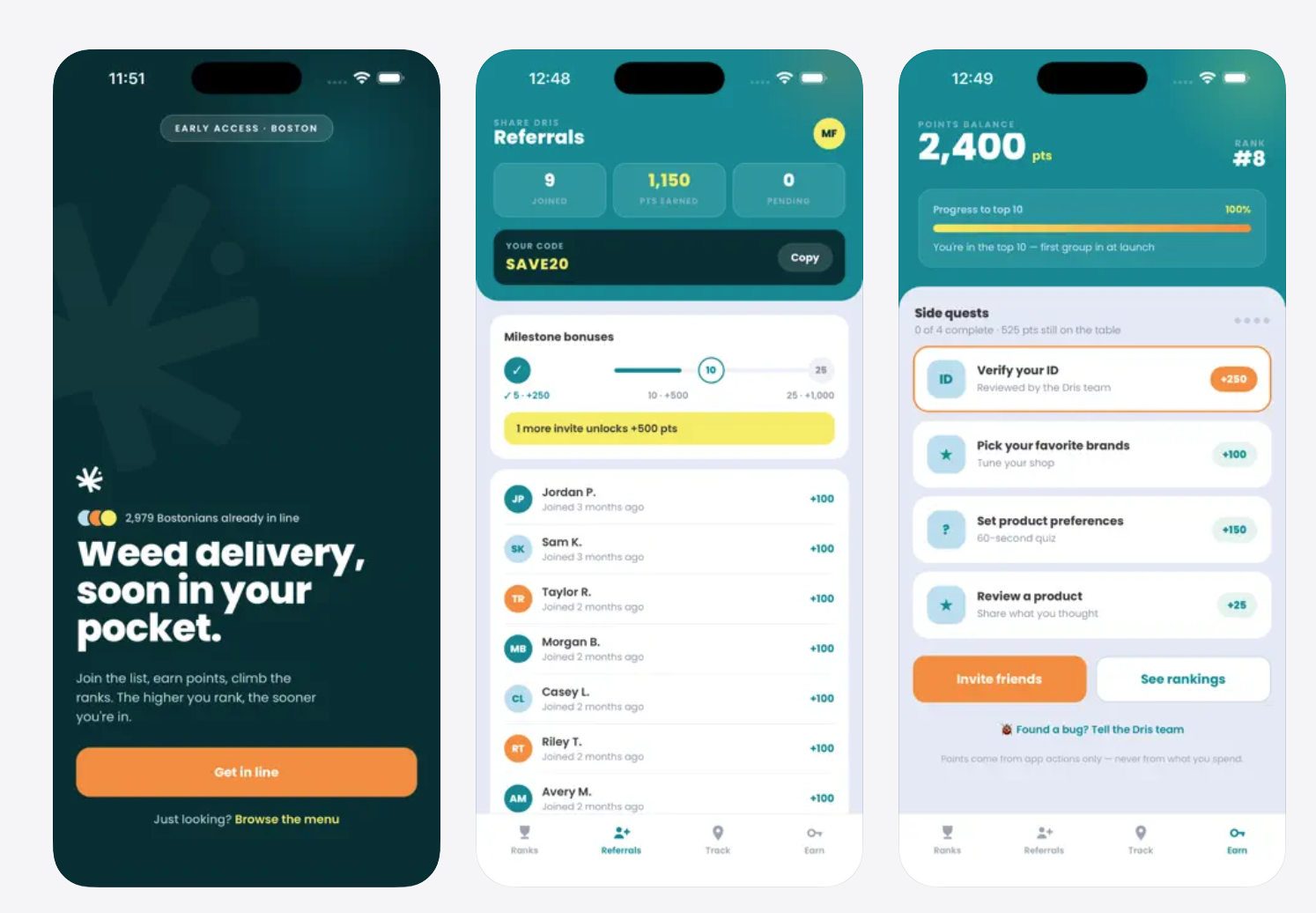
All screenshots in this post use a made-up brand ("Sample Brand") and made-up products and reviews. Dollar amounts are blurred. Nothing here is real brand or customer data.
If your products are on the Dris menu, you should be able to see how they are doing without waiting on an email or a spreadsheet. The Dris Partner Portal is a private page for each brand we carry. It shows how your products are selling, how they place on our menu, what we have on the shelf, and what customers say about them.
Invitation only
The portal is invite-only. There is no sign-up form and no "request access" button. Someone from Dris adds the people at your company, and each person gets an email.
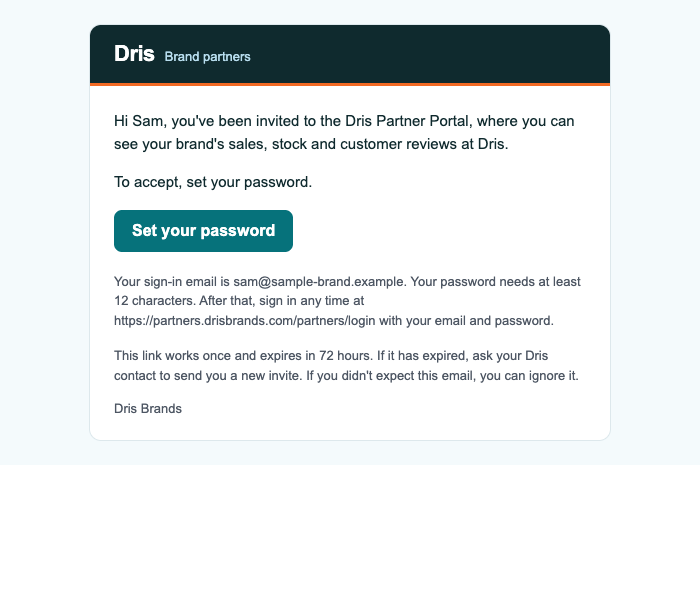
The email is titled "You're invited to the Dris Partner Portal". It has one button, Set your password. The link works once and expires after 72 hours. If it expires, ask your Dris contact to send a new one. (In the picture, the link is a placeholder.)
Brand introductions from the Dris team go out with the subject "<Brand> x Dris Partner Portal Invite (and our new app)", so look for that in your inbox as well.
The front door

The portal lives at partners.drisbrands.com. The landing page explains what you can see, how it works, and how privacy is handled, and it has a Sign in button.
Signing in with email and password

You sign in with your work email and a password you choose yourself (at least 12 characters). Passwords are stored only in hashed form. If you forget yours, use Forgot password? and we email you a link to choose a new one.

Once you are in, the Account page shows your name, email and brands, and lets you change your password.

Overview

The Overview is the last 30 days at a glance: gross sales, units, orders, brand rating, and a stock summary (how many products are sold out or running low). It always states the dates it covers. If your company has more than one brand with us, a switcher at the top lets you move between them. You only ever see the brands on your own account.
Sales

Sales shows units, gross sales and order counts for your products by day, week or month, broken down by product and size and by Dris storefront. Only delivered orders count. "Gross sales" means price times quantity before discounts, with tax, delivery fees and tips left out. You choose the date range.
You see counts and totals. The portal does not list individual orders or anything about the people who placed them.
Performance: ranking, sell-through and stock

Ranking shows where your brand and each of your products place on the Dris menu, overall and within their category, ranked both by units sold and by gross sales. You see your own place only. Other brands are never named and their numbers are never shown. A place appears only when enough other brands have sold in that category to make the comparison meaningful.

Sell-through shows, for 7, 30 or 90 days, how many of your products and sizes sold out, how much of your stock sold, and each product's place in its category.
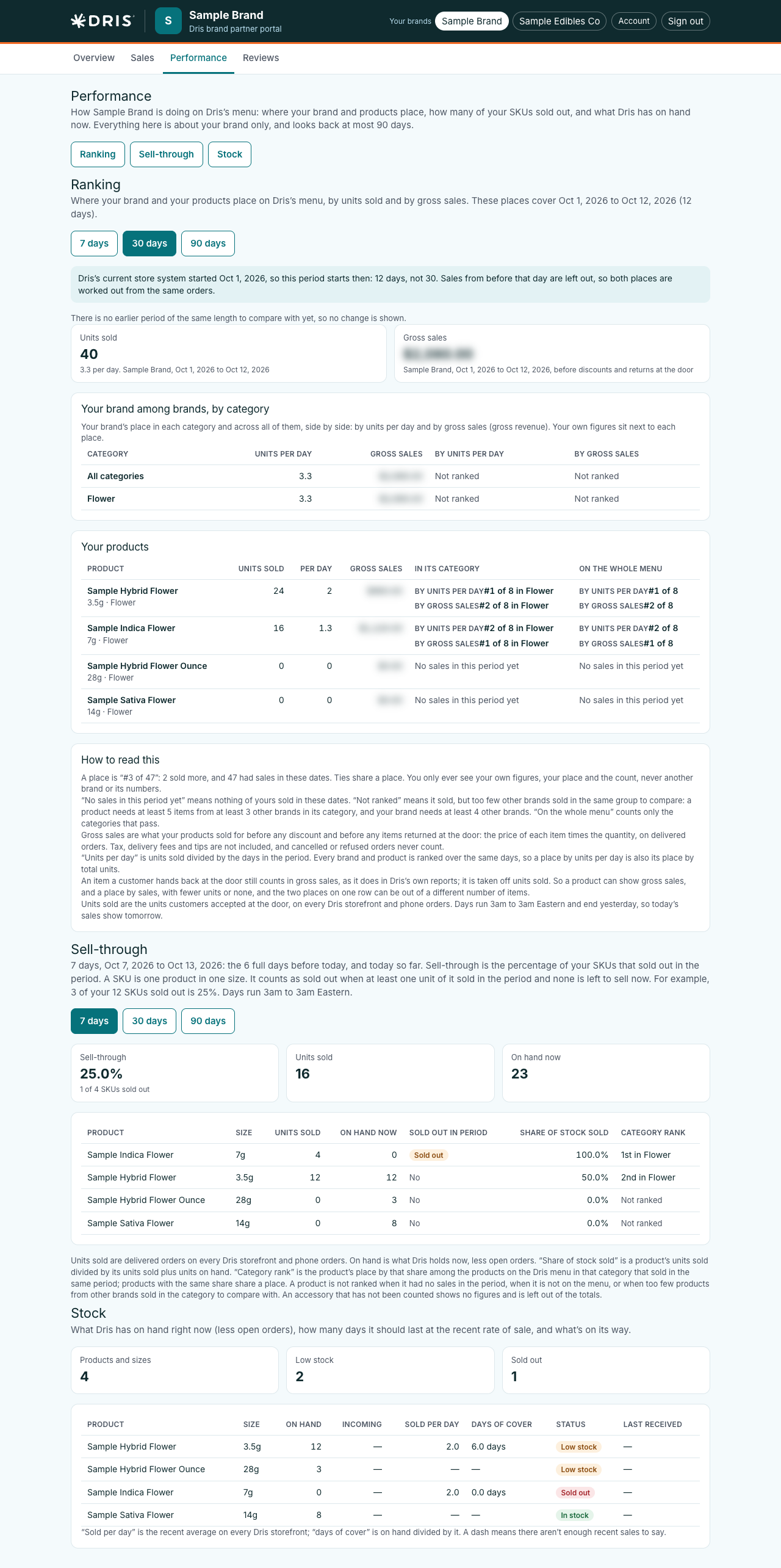
Stock shows what Dris has on hand right now for each product and size, what is incoming, how many days it should last at the recent rate of sale, and low-stock and sold-out flags.
Reviews

Reviews is a read-only view of the approved customer reviews of your products, from the Dris storefronts and the Dris app. You get your overall rating, the spread of stars, ratings by month and by product, and every review, with search, filters and a CSV download. Dris screens every review before it appears. Reviewers are never named, and you cannot reply to, edit or hide a review. If one looks wrong, tell your Dris contact.
Private by design
- Your account shows your brand's figures and nothing else. Asking for another brand's page returns "not found".
- No customer names, contact details or addresses, ever.
- Each person has their own sign-in. Dris can disable an account at any time, which signs that person out everywhere.
- The portal is read-only.
How to get access
Access is by invitation from the Dris team. If you carry products with Dris and would like someone at your company to have a login, tell your Dris contact and they will send the invite.